Capture document data faster
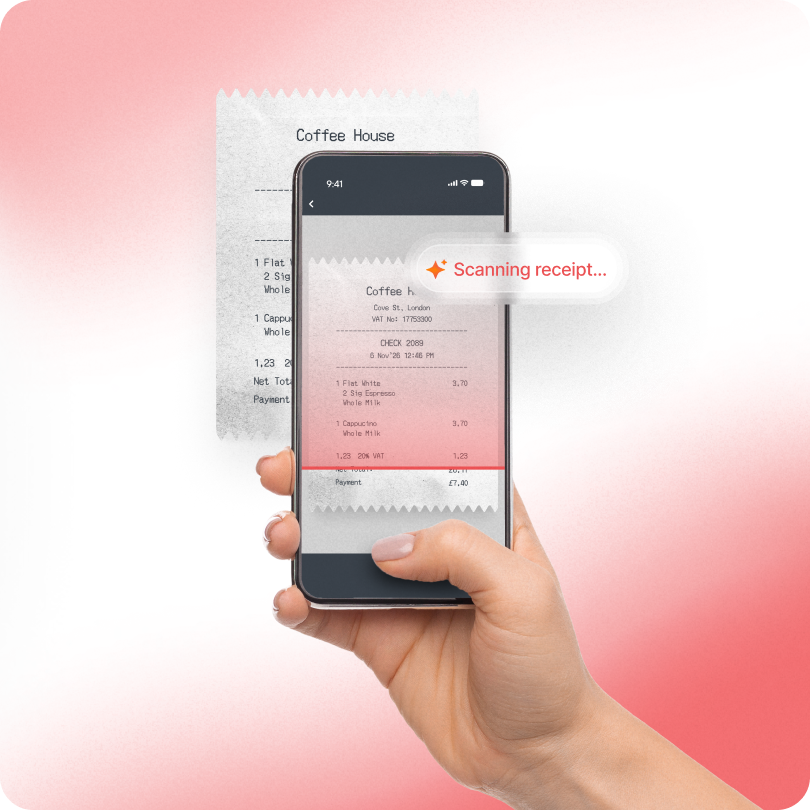
AI document extraction captures receipt and invoice data, reducing manual field entry.
Assistive AI for faster document capture, more consistent categorisation, and earlier receipt checks – with your team reviewing the output and making the decisions.
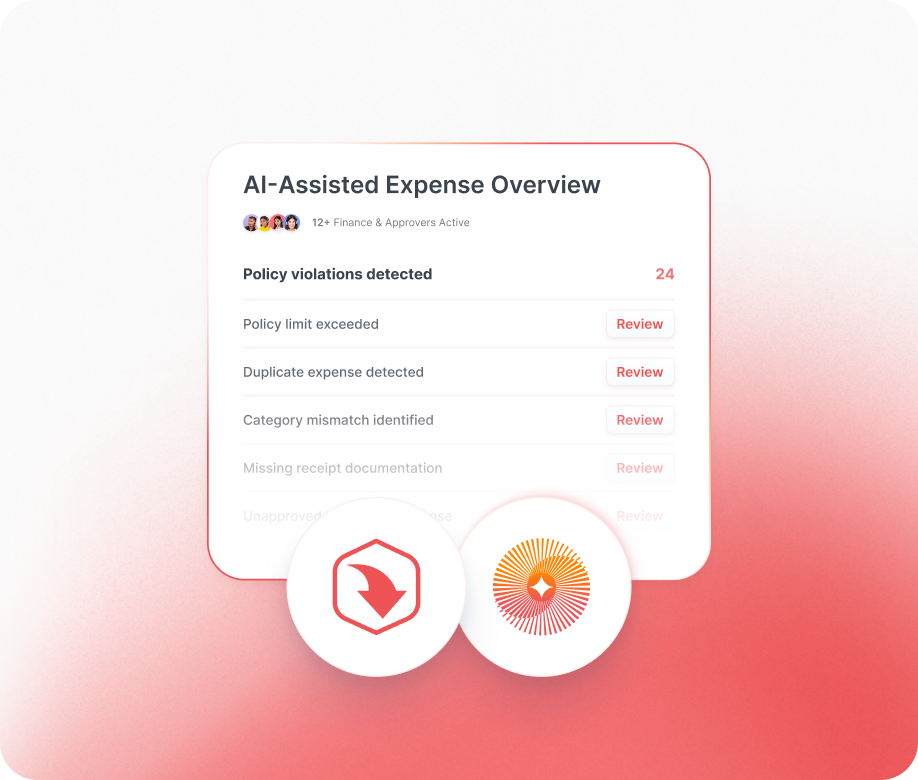

AI document extraction captures receipt and invoice data, reducing manual field entry.

Receipt verification checks receipts against claims and company policy before approval.
AI categorisation uses extracted receipt and invoice data to create consistent records.

Approvers focus on flagged claims instead of manually checking every receipt line by line.

AI works within your policies and approvals, while your team makes every final decision.

ExpenseIn applies AI within the expense and invoice workflows finance teams already use. It supports the process in context, rather than operating as a separate layer.

AI can inform, suggest, and flag, but it does not take ownership away from your team. People review the output and remain accountable for every decision.

ExpenseIn’s approach to AI respects the controls finance teams rely on, including policies, approvals, and review. Oversight stays part of how the work gets done.

We apply AI where it can solve a clear finance problem and support a better process. The goal is useful assistance, not automation for its own sake.
AI document extraction captures information from receipts and invoices, ready for your team to review.
Receipts and invoices covered: Scan documents across expense and invoice workflows.
Key details extracted: Capture document information without typing every field manually.
Ready for review: Check extracted information before it moved through the process.
Less manual entry: Reduce repetitive data entry across expense and invoice processing.
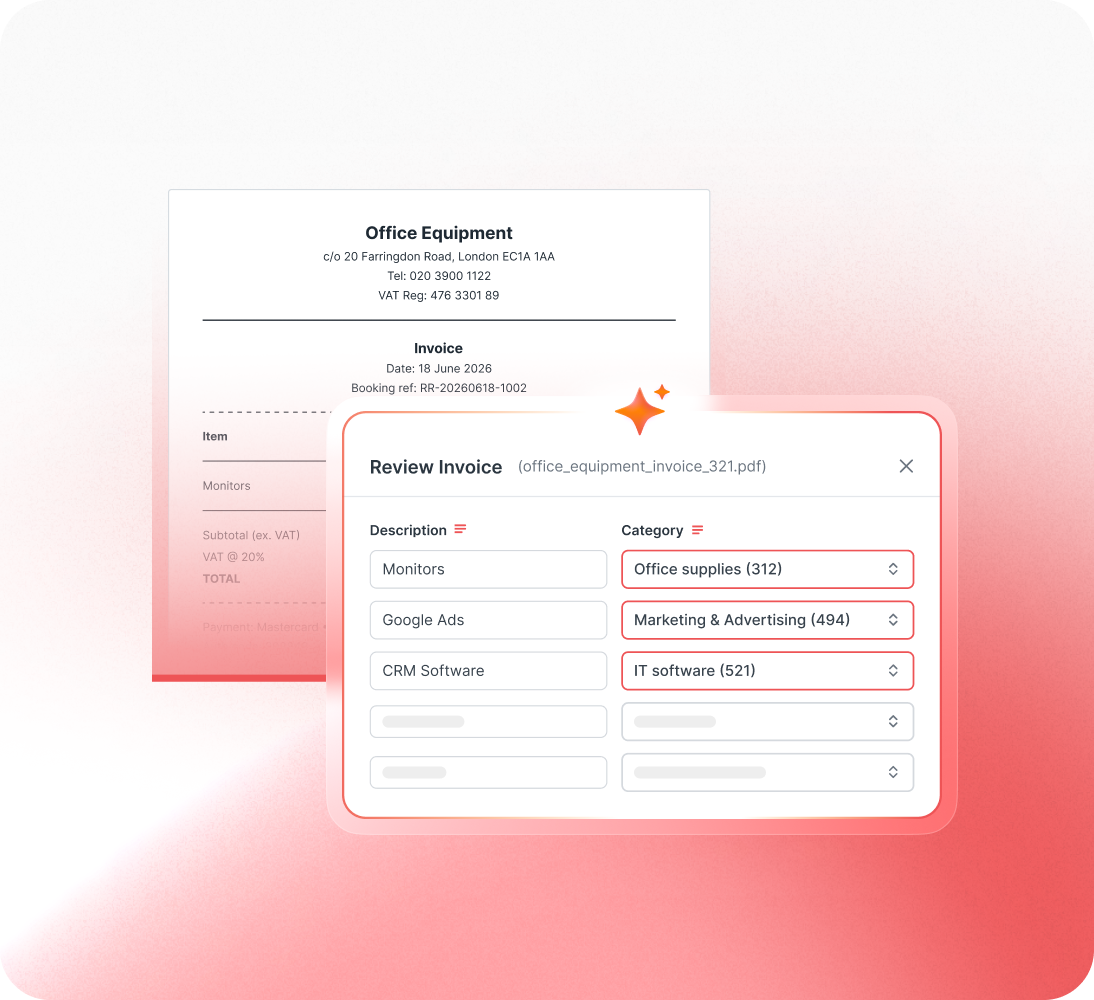
AI uses information extracted from receipts and invoices to support cleaner, more consistent categorisation.
Uses extracted document data: Categorisation is based on information captured from each document.
Covers receipts and invoices: Support categorisation across expense and invoice records.
Less manual categorisation: Reduce the need to categories every record from scratch.
Ready for review: Check suggested categories before the record moves forward.
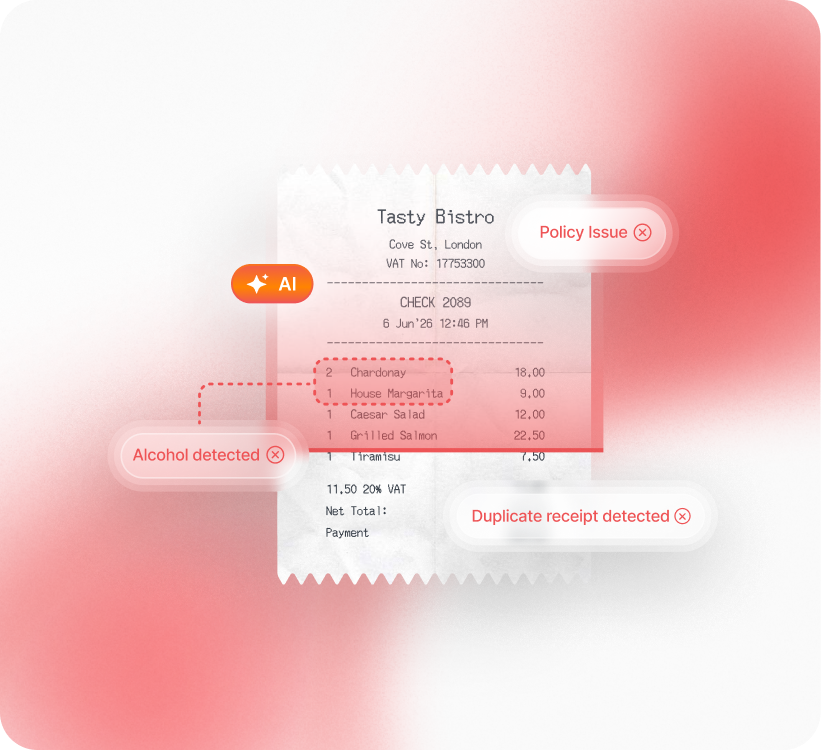
AI-powered receipt verification checks submitted receipts against claims and policy rules, flagging potential issues for approver review.
Checks claims against receipts: Flag possible amount mismatches between the receipt and claim.
Highlights restricted spend: Surface policy-sensitive items, including alcohol purchases.
Spots suspicious documents: Flag receipts that may be duplicated, altered or AI-generated.
Keeps approvers in control: Your team reviews flagged issues and makes the final decision.



The ExpenseIn App is easy to use and the pricing model works very well for us.

We’re really pleased we made the decision to roll out ExpenseIn at Ascot Racecourse and the system has been widely embraced by our employees.

The biggest benefits since using ExpenseIn are its ease of use, configuration for back office and the mobile app.

The ExpenseIn App is easy to use and the pricing model works very well for us.
We’re really pleased we made the decision to roll out ExpenseIn at Ascot Racecourse and the system has been widely embraced by our employees.
The biggest benefits since using ExpenseIn are its ease of use, configuration for back office and the mobile app.
Our employees are happier as they are getting paid quicker.

The ExpenseIn App is easy to use and the pricing model works very well for us.
We’re really pleased we made the decision to roll out ExpenseIn at Ascot Racecourse and the system has been widely embraced by our employees.
The biggest benefits since using ExpenseIn are its ease of use, configuration for back office and the mobile app.
Our employees are happier as they are getting paid quicker.
Looking to streamline other aspects of your expense management process?


